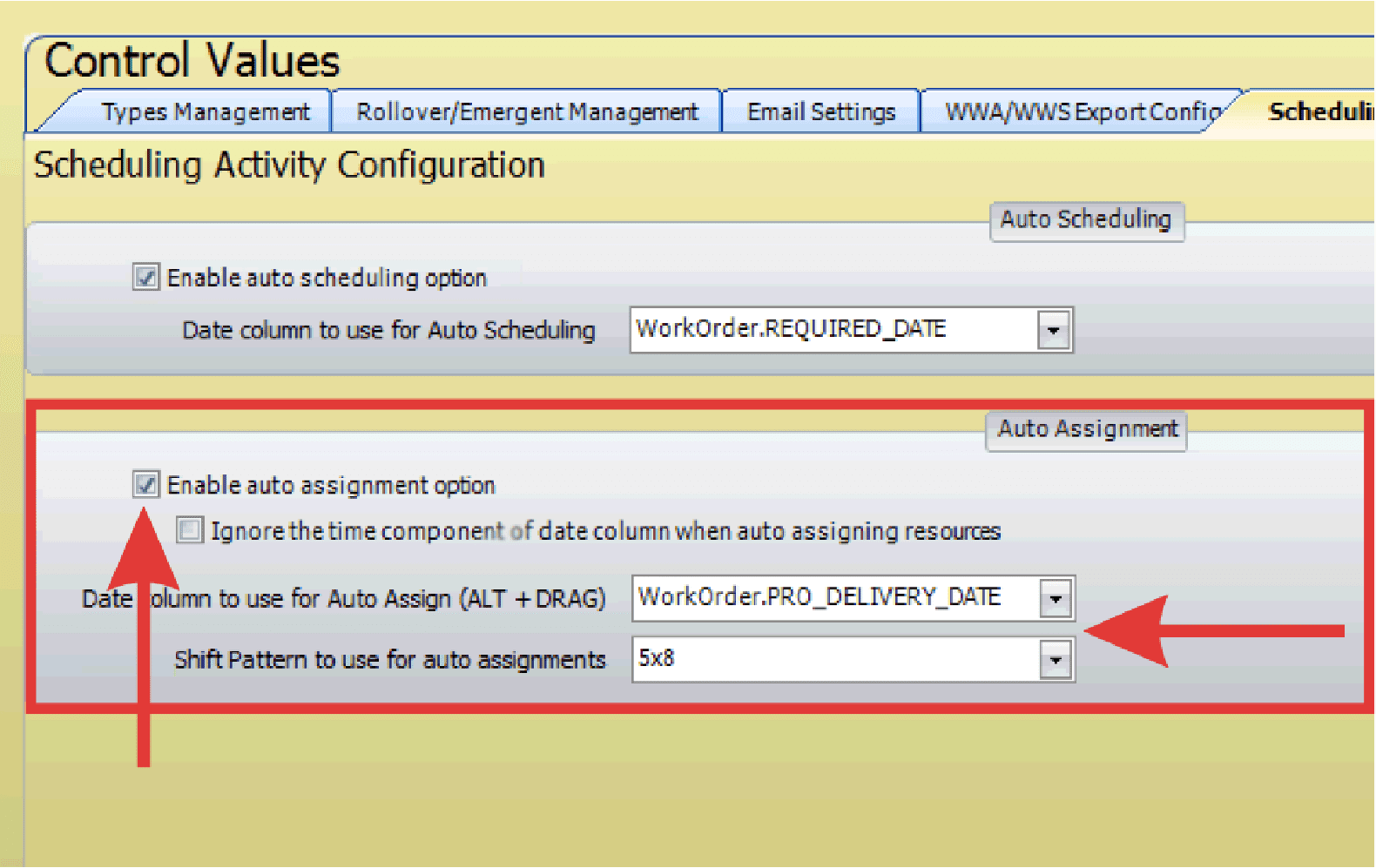
Auto-schedule and auto-assign settings in PaSTA automatically place jobs on the schedule and assign them to crews.
- Open the Administration screen.
- Open the Control Values panel.
- Click the Scheduling Configuration tab.
- Click the checkbox to Enable Auto Scheduling Option.

- Use the drop-down menu to select the date column for auto scheduling.
- Click the checkbox to Enable Auto Assignment Option.

- Use the drop-down menu to select the date column for auto assign.
- Select a default shift pattern to apply if the target crew does not have one assigned.