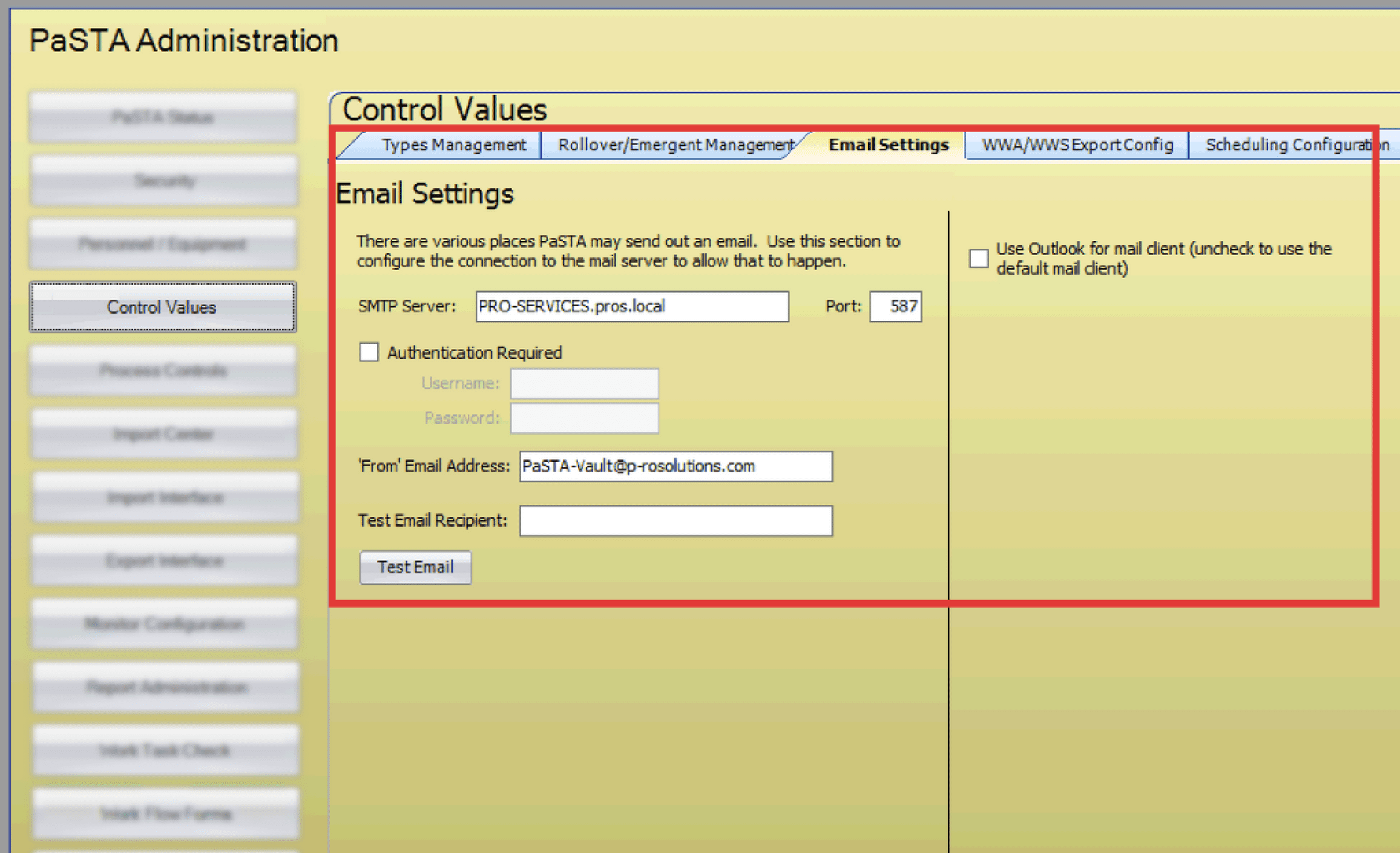
Email settings in PaSTA control how the system sends messages, such as test emails or notifications.
- Open the Administration screen.
- Open the Control Values panel.
- Click the Email Settings tab.
- Enter the email settings.
- Click Test Email to test the email settings.
- Enable for Outlook mail client, or leave blank to use the default mail client.