
Emergent work may be classified as Emergency (urgent, condition-driven) or Sponsored (initiated at the request of a sponsor). These codes are managed in the Administration screen, where users can edit, add, or remove values.
- Open the Administration screen.
- Open the Control Values panel.
- Click the Rollover/Emergent Management tab.
- Edit the Sponsored Reason Type or Emergency Reason Type values in the Description column.
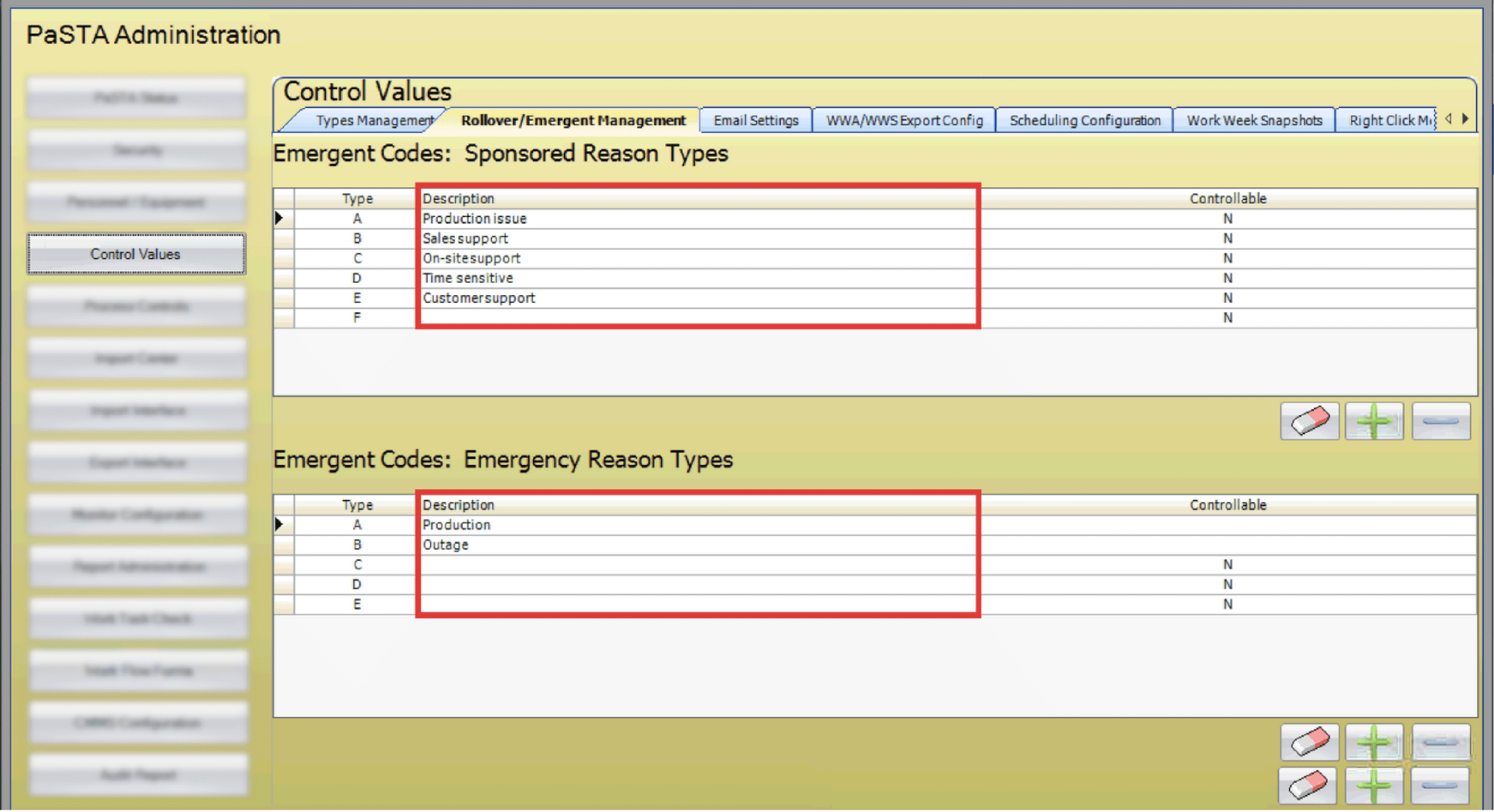
- Controllable: Flags reason codes caused by factors outside the organization’s control (such as weather). This flag is used for data mining and reporting only and does not affect emergent work or PaSTA functionality in regards to emergent work.
- Click the eraser icon to clear the description of the selected row.
- Click the minus icon to delete the selected row.
- Click the plus icon to add a new code.