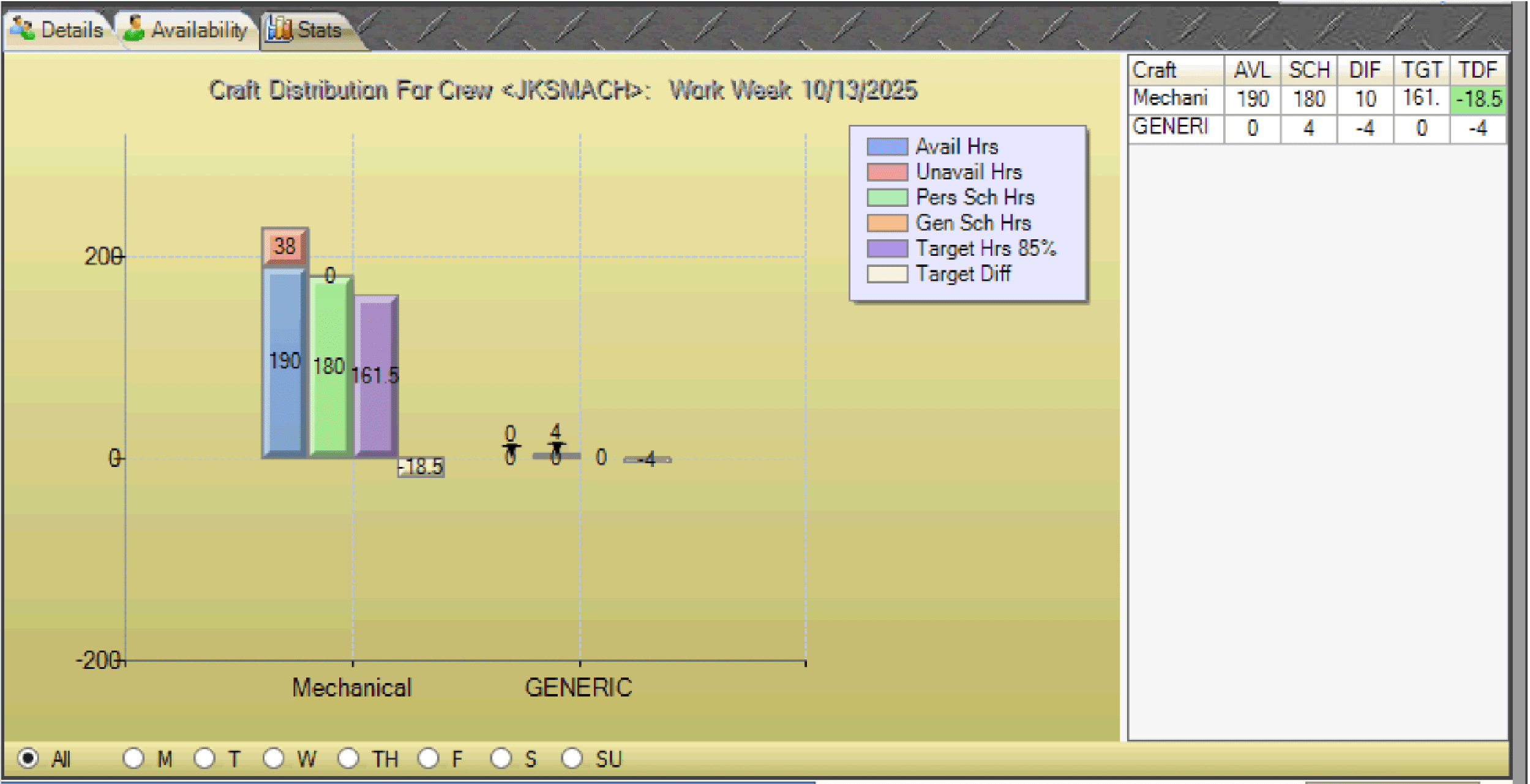
The Craft Distribution panel in the Work Week Schedule (WWS) provides a visual breakdown of how hours are allocated across crafts.
- Click the Stats tab on the lower-right panel of the WWS to open the Craft Distribution panel.
- Review the chart: All crafts belonging to crews are shown on the horizontal axis, while hours are displayed on the vertical axis.
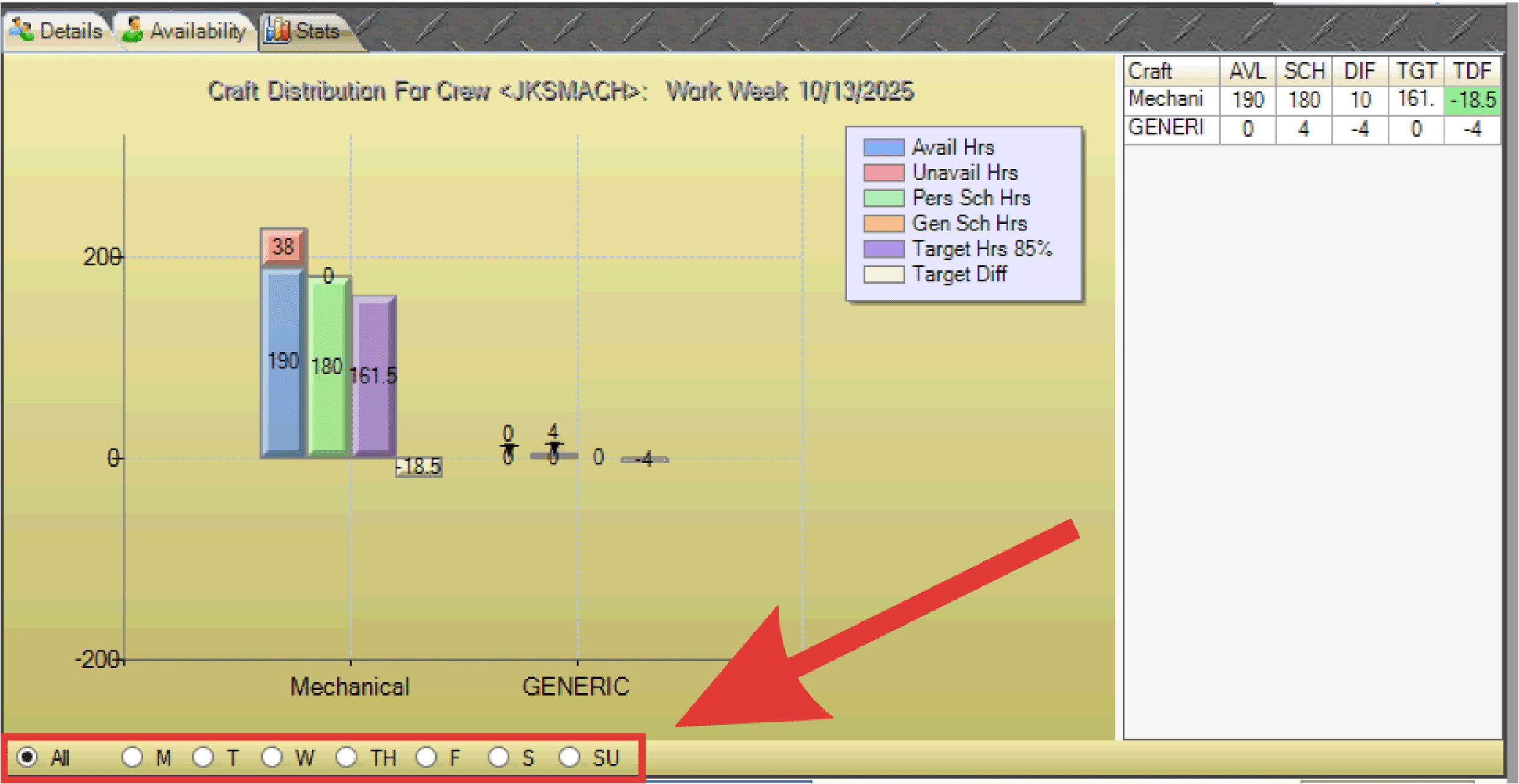
- Select a specific day of the week, or choose All to display the entire week.
- Review data elements by craft, including:
- Available vs. Unavailable Hours
- Personnel Scheduled Hours / Generic Scheduled Hours
- Target Hours (85%)
- Target Hour Differential (scheduled hours above/below target)
- Use the data grid to the right of the chart for a detailed representation of the graphical data.