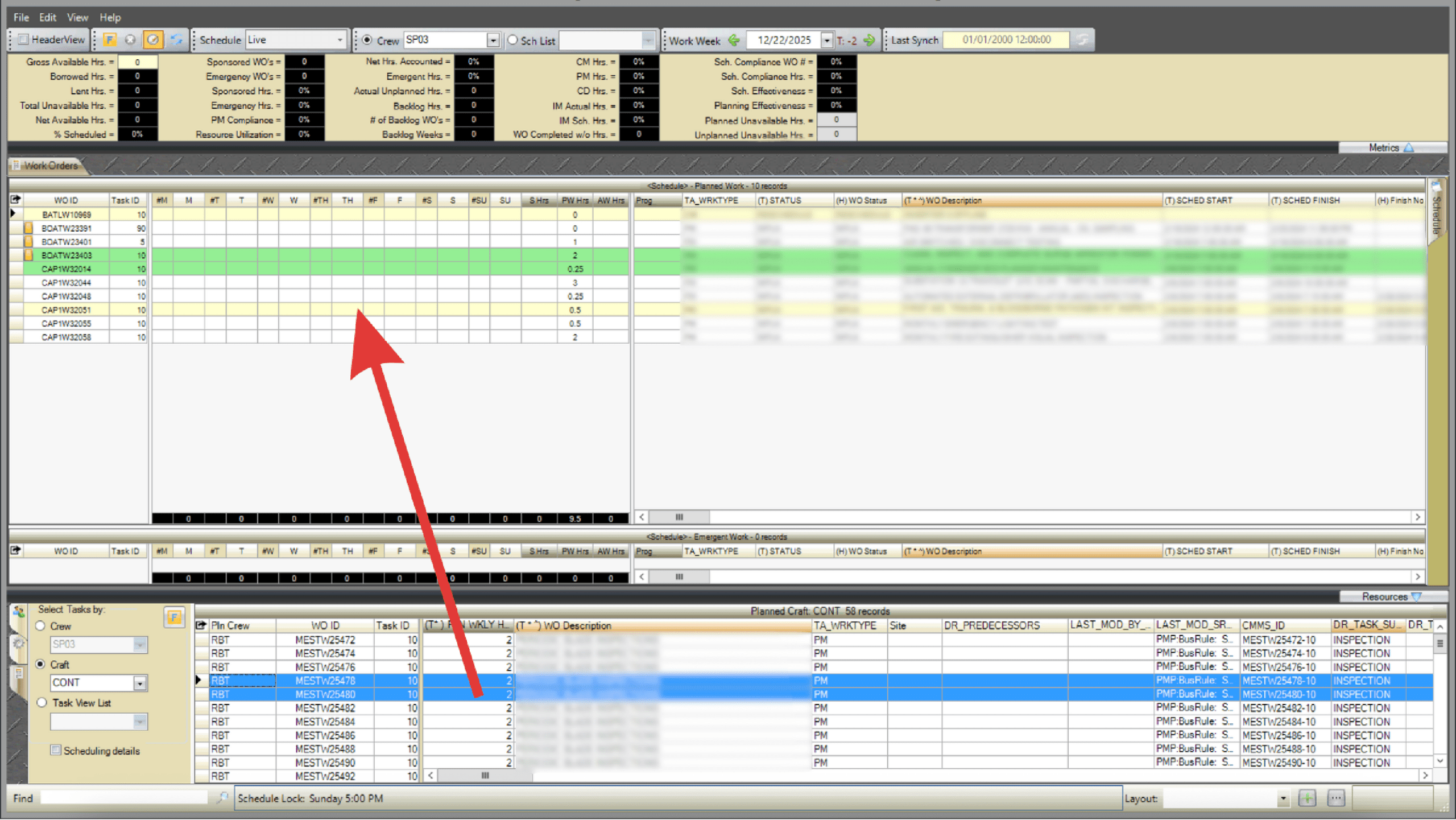
While the WWA is the primary tool for assigning work orders to T-weeks, the WWS also allows drag-and-drop scheduling through the Task Tab.
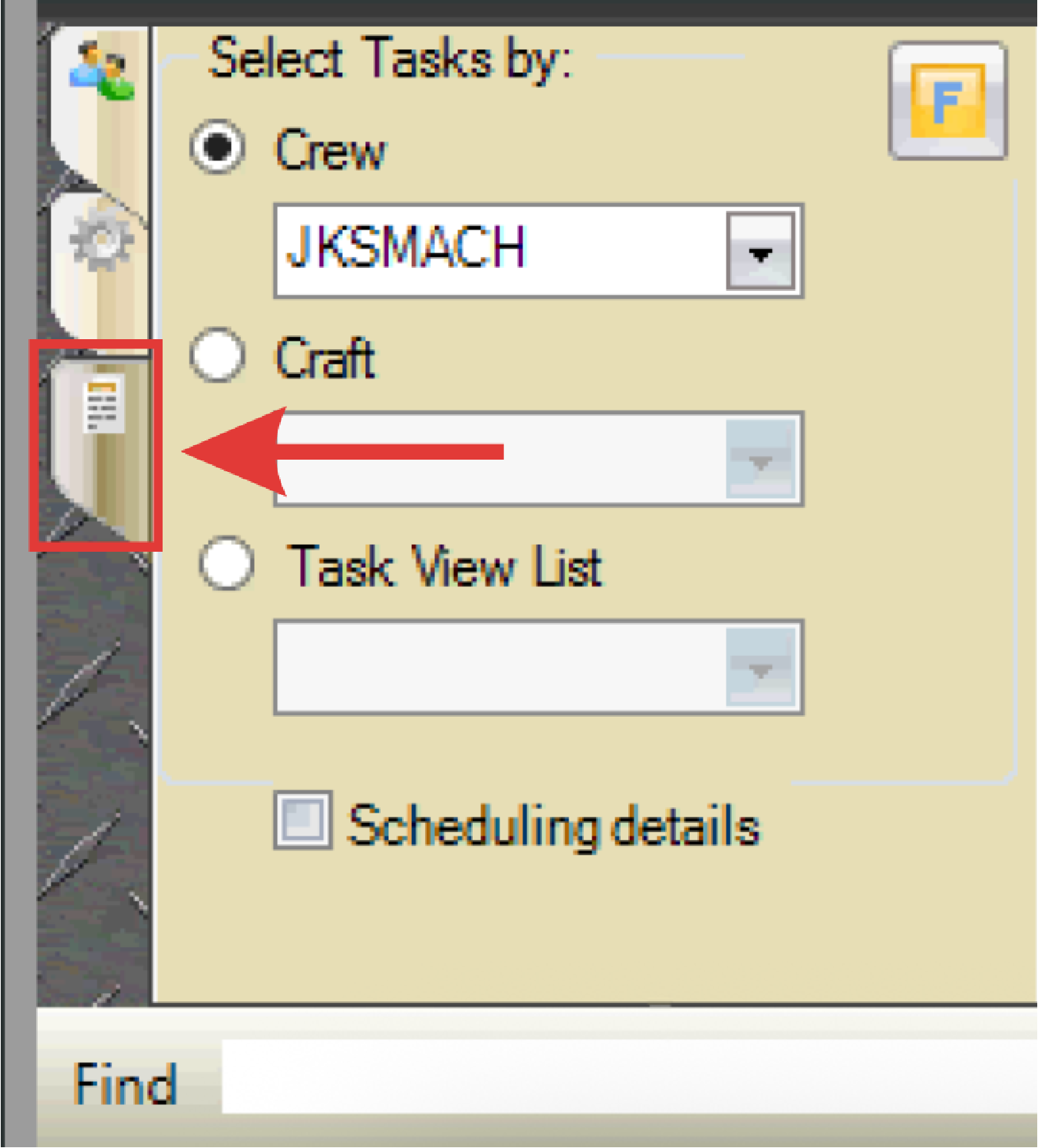
- Select the Task Tab in the resources grid on the lower-left of the WWS (paper icon).
- Use the radio buttons and drop-down menus to filter tasks by Crew, Craft, or Task View List.
- Open tasks that meet the selected criteria will display on the grid.
- Select a task and drag it into the scheduling grid on the chosen work order and day, just as you would personnel or equipment.