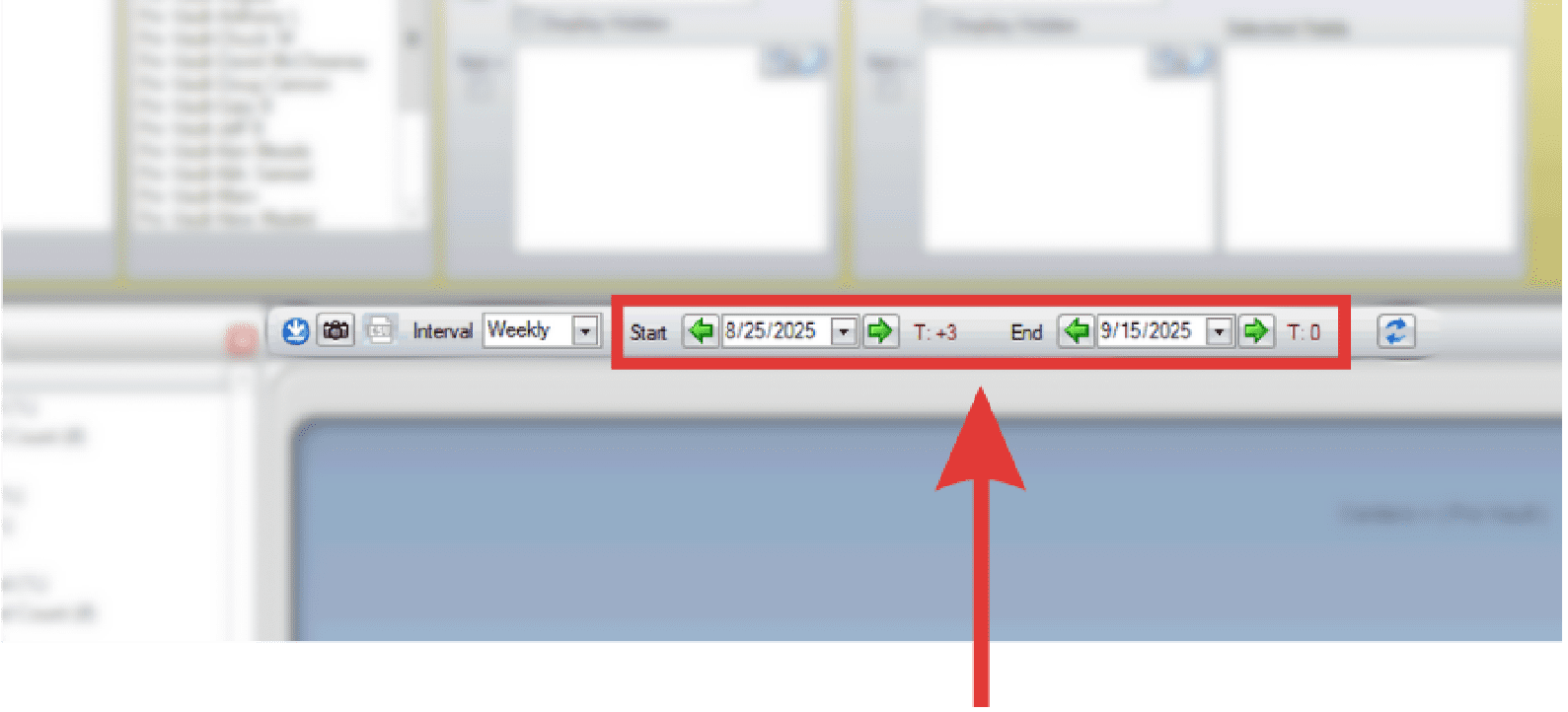
The date range controls determine which time period is displayed in the report.
- Create a new report or open an existing report.
- Select the interval via the drop down: weekly/monthly/quarterly/annually.
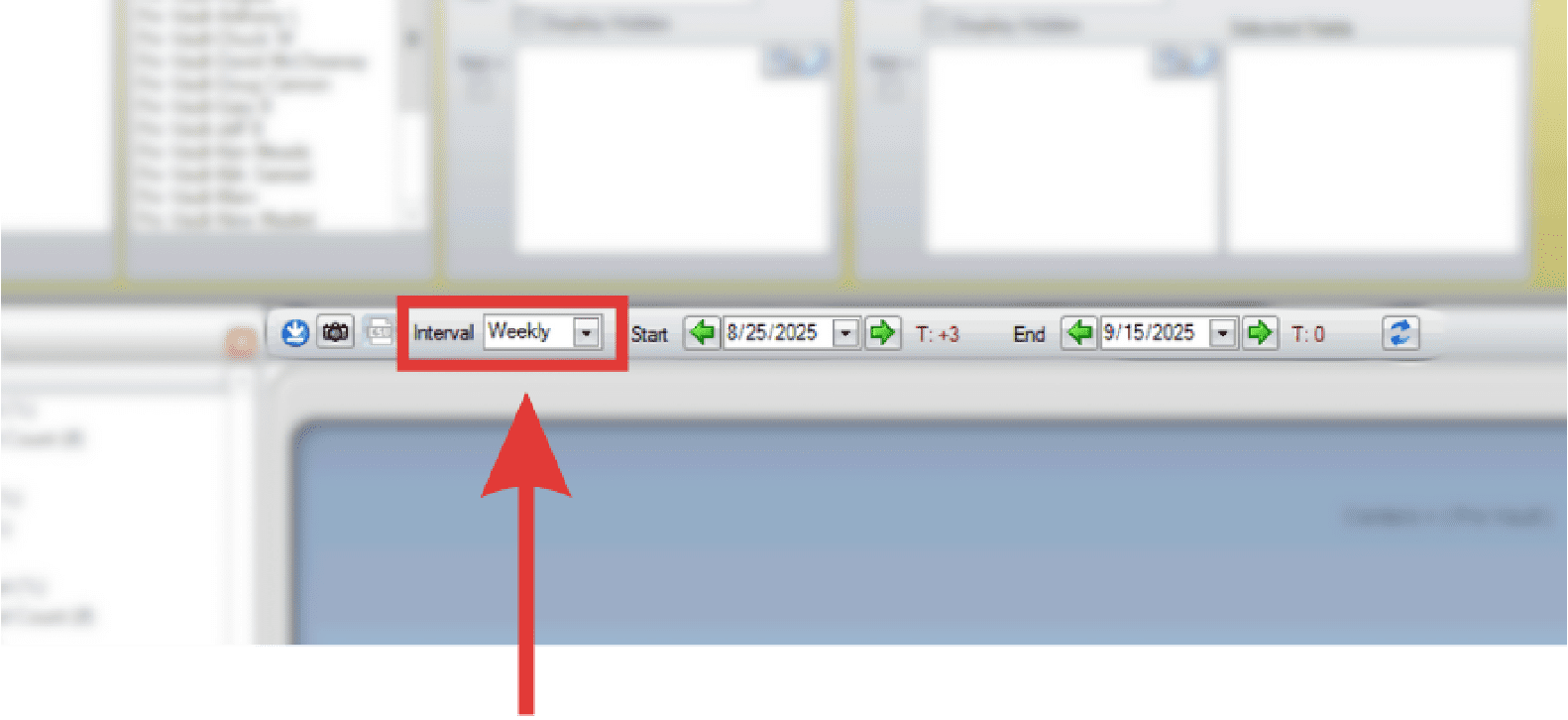
- Note: The image shown is from a Chart report. Icon appearance remains consistent across all report types, but placement may vary.
- Use the arrows or drop down to control the date range.
- Click Refresh Chat to update the latest changes.