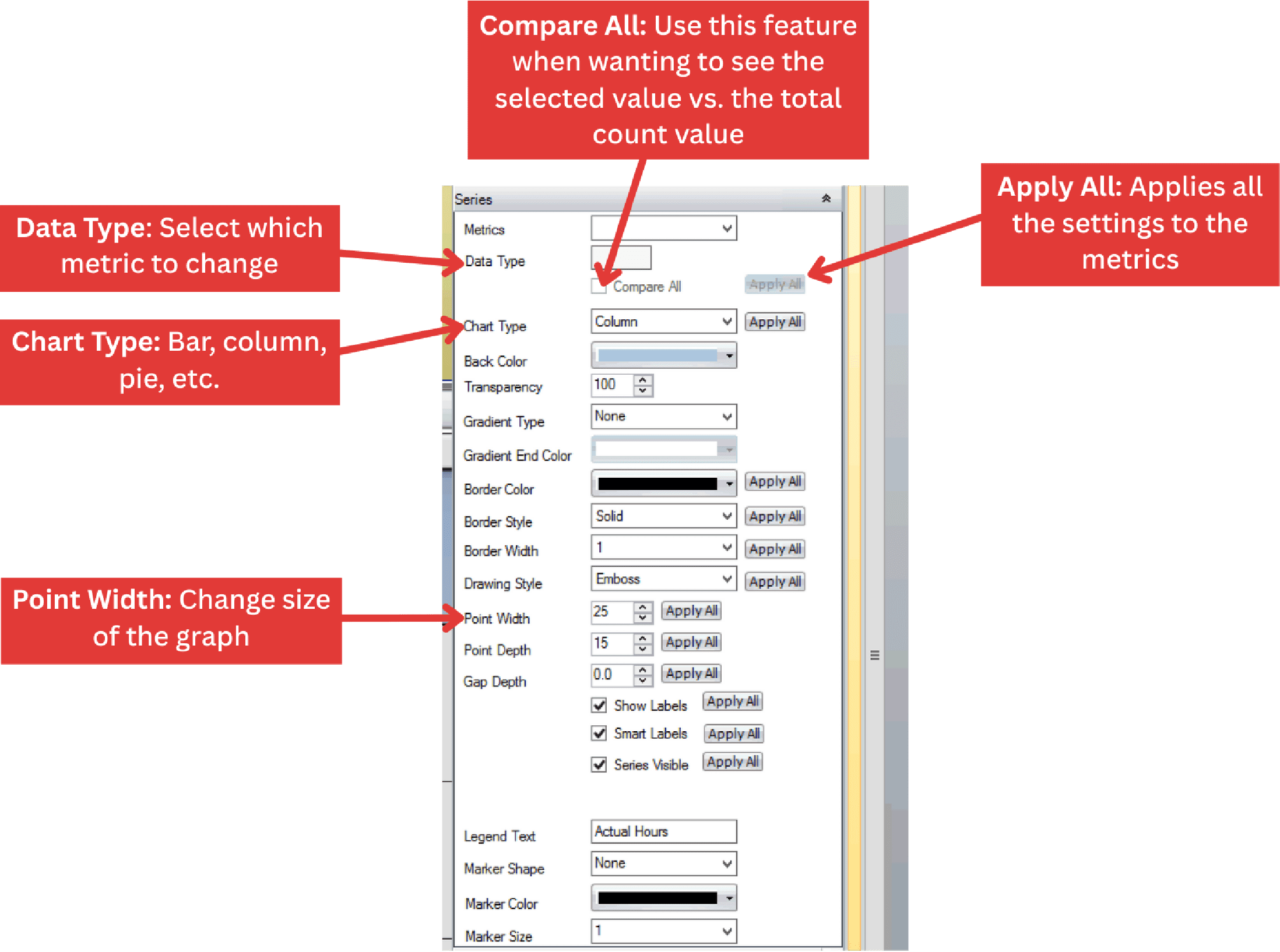
Adjust the appearance and content of a chart, including background, axes, series, titles, and legends.
- Create a new chart or open an existing chart.
- Click the Chart Options bar located on the far right of the screen.
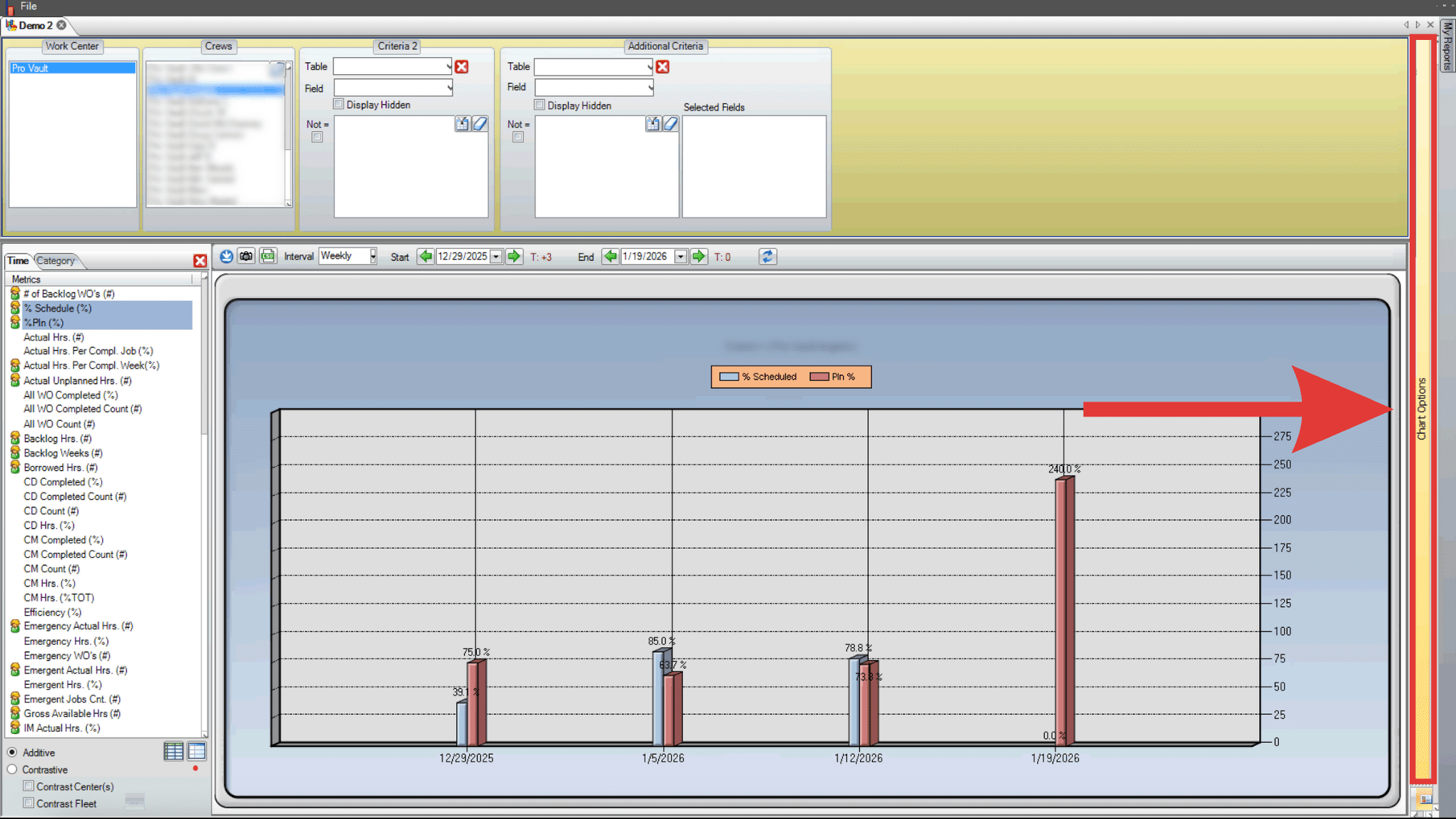
- This section allows users to adjust background, chart area, axis options, 3d options, series, titles, and legends.
- Open the series tab to adjust all aspects of the data.