The Move To function allows a work order to be moved into another T-week.
- Right-click the job and select Move To from the menu.
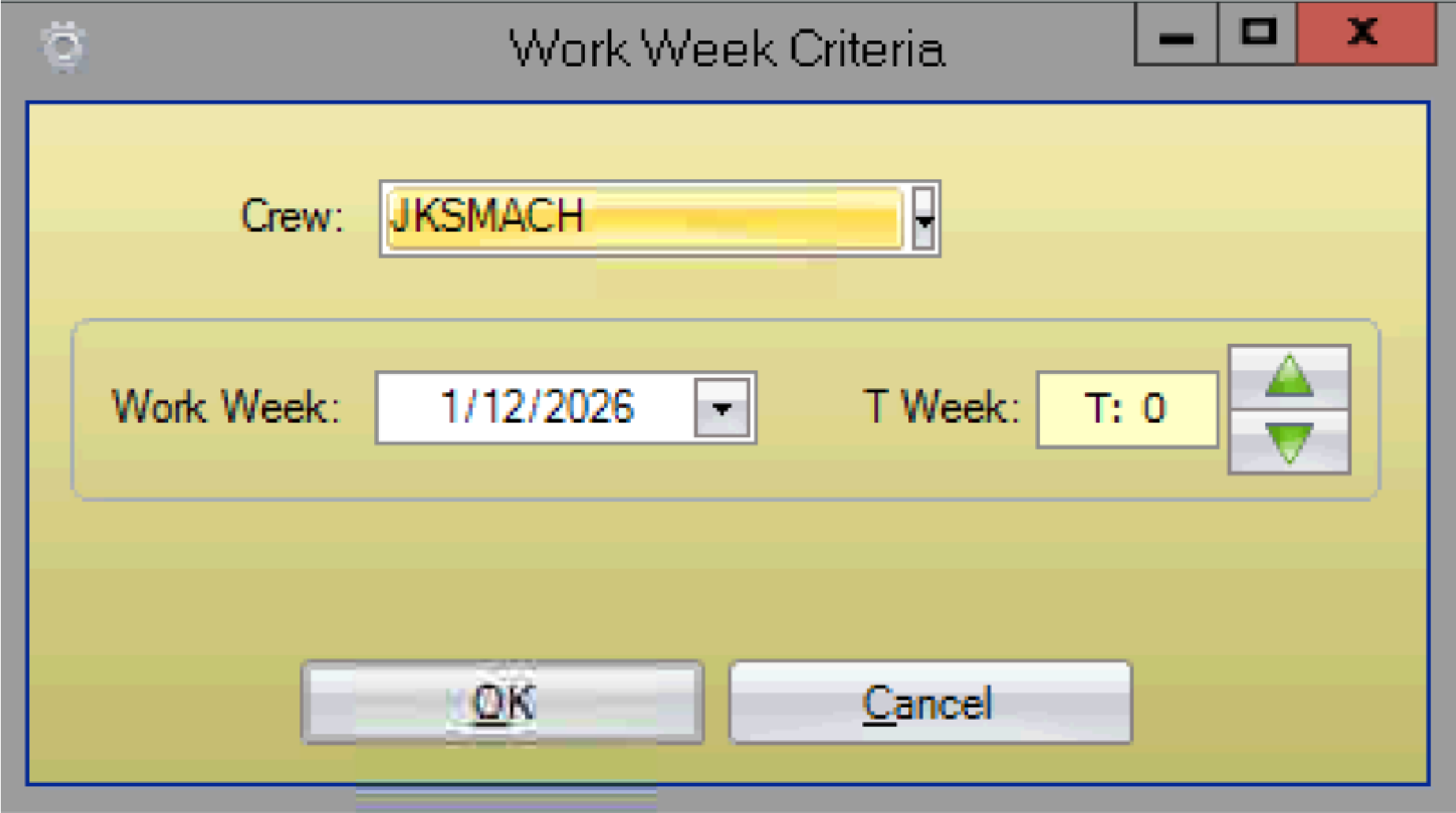
- In the Work Week Criteria window, validate the crew, select the applicable T-week using the work week calendar or green T-week arrows, and click OK.