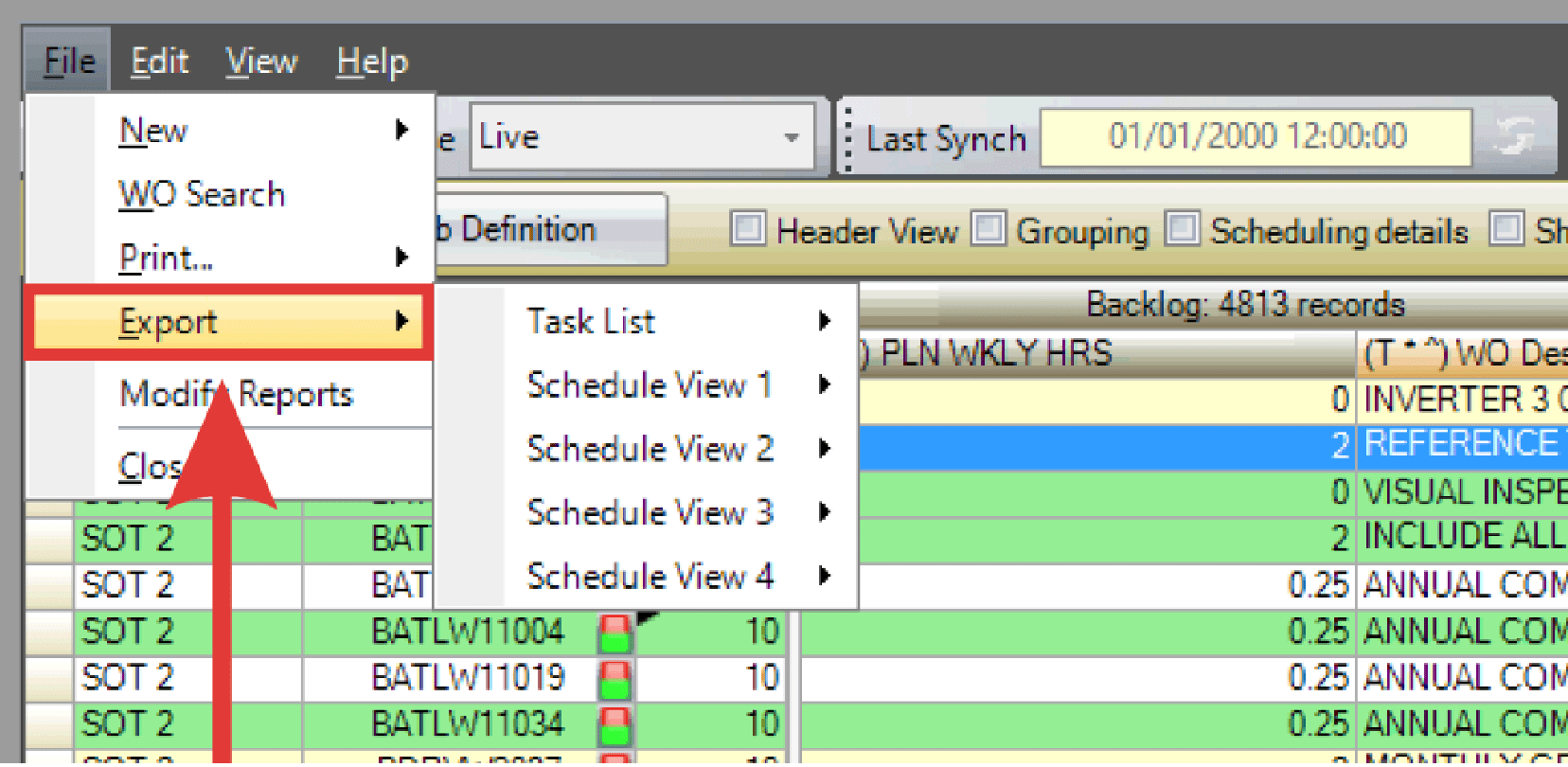
Work Week Assignment views can be exported to create a tab-delimited file or to copy data directly to the Windows clipboard.
- Select File > Export from the menu.
- Choose the area of the WWA to export:
- Task List: Exports the backlog grid.
- Schedule View 1–4: Exports one of the schedule views, displaying T weeks from top to bottom.
- Select the export destination:

- To Flat File: Creates a tab-delimited file.
- To Clipboard: Copies the data to the Windows clipboard.