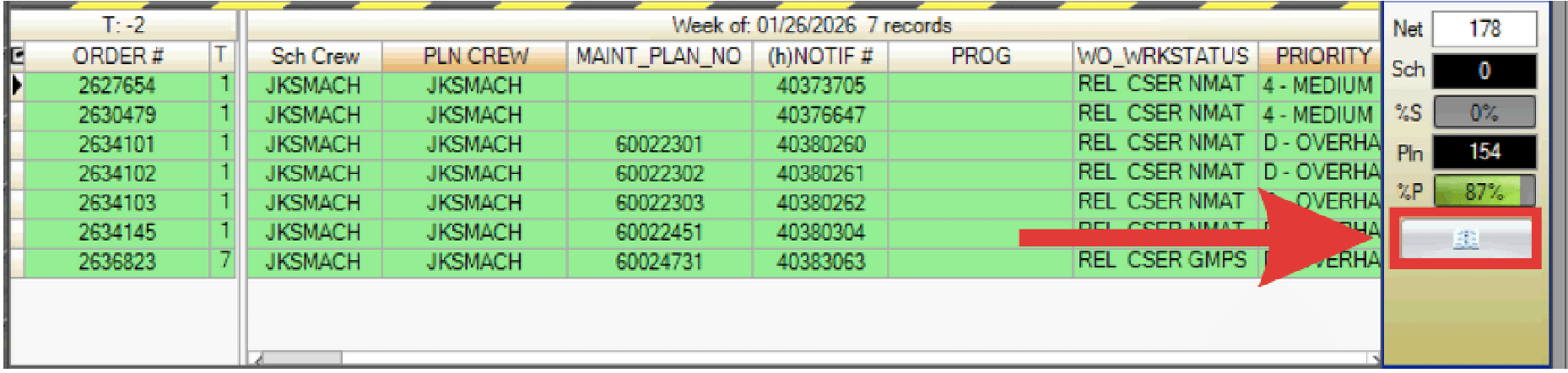
Open the Work Week Schedule (WWS) directly from the Work Week Assignment (WWA) screen for a selected crew and T week.
- Ensure the correct crew is selected on the right side of the WWA.
- Click the book icon below the metrics box for the desired T-week.

Open the Work Week Schedule (WWS) directly from the Work Week Assignment (WWA) screen for a selected crew and T week.