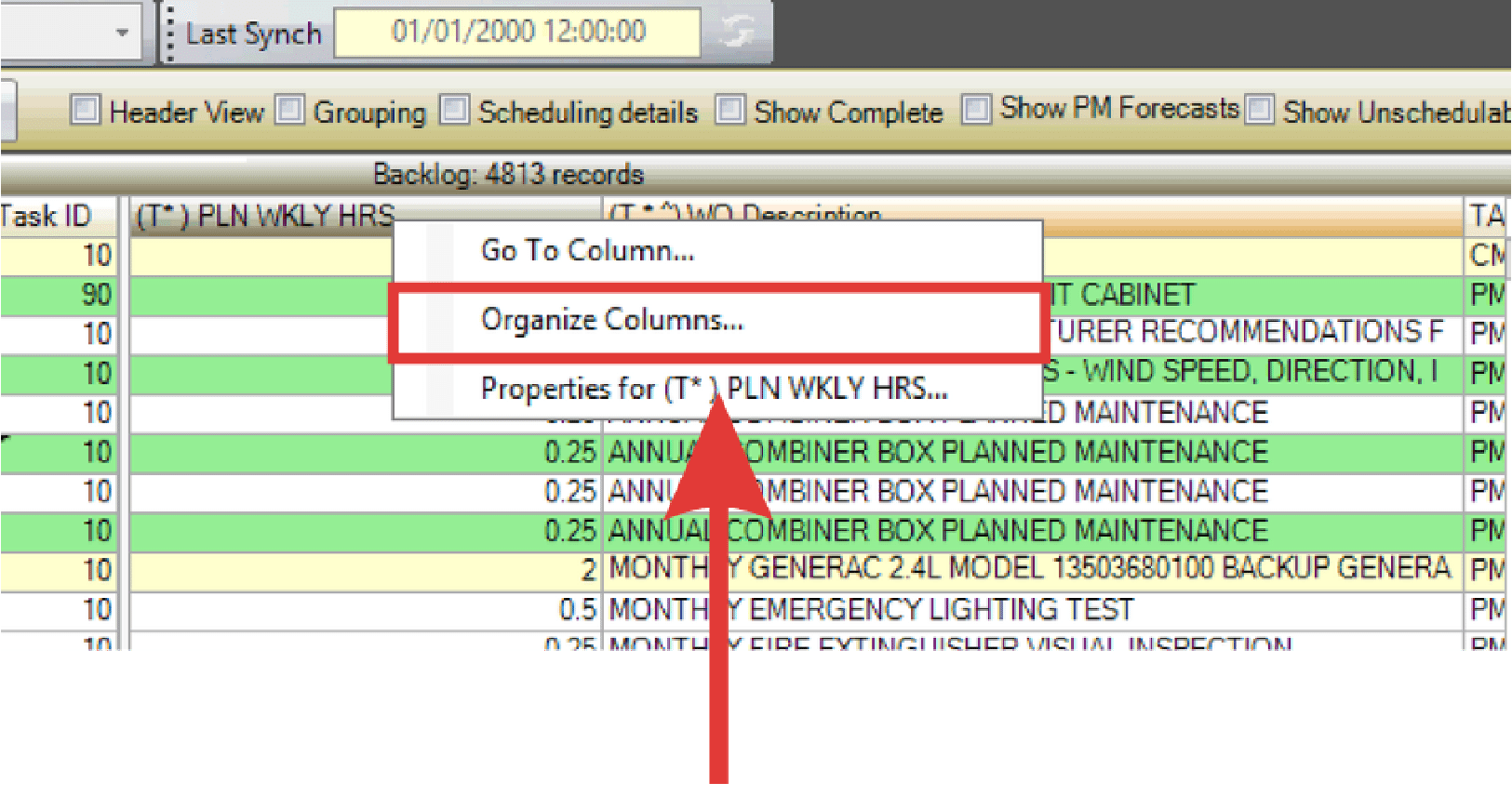
Use the Organize Columns feature to change the order of columns in the WWA grid.
- Right-click a column header and select Organize Columns.
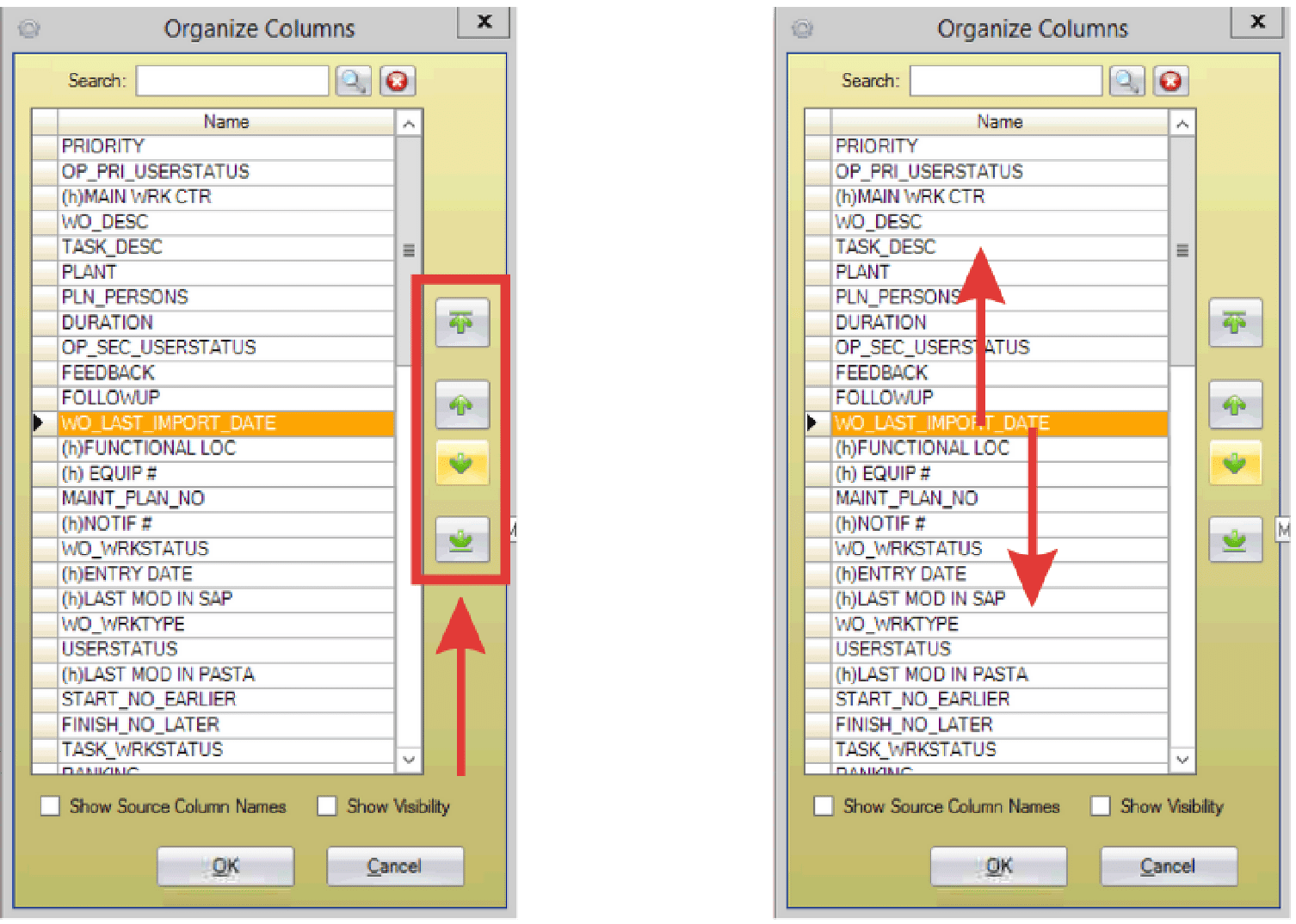
- In the Organize Columns window, locate the desired column by scrolling through the list or typing a keyword in the Search field and using the magnifying glass to find the column.
- Reposition the selected column using the green arrows or by dragging and dropping it to the desired location.