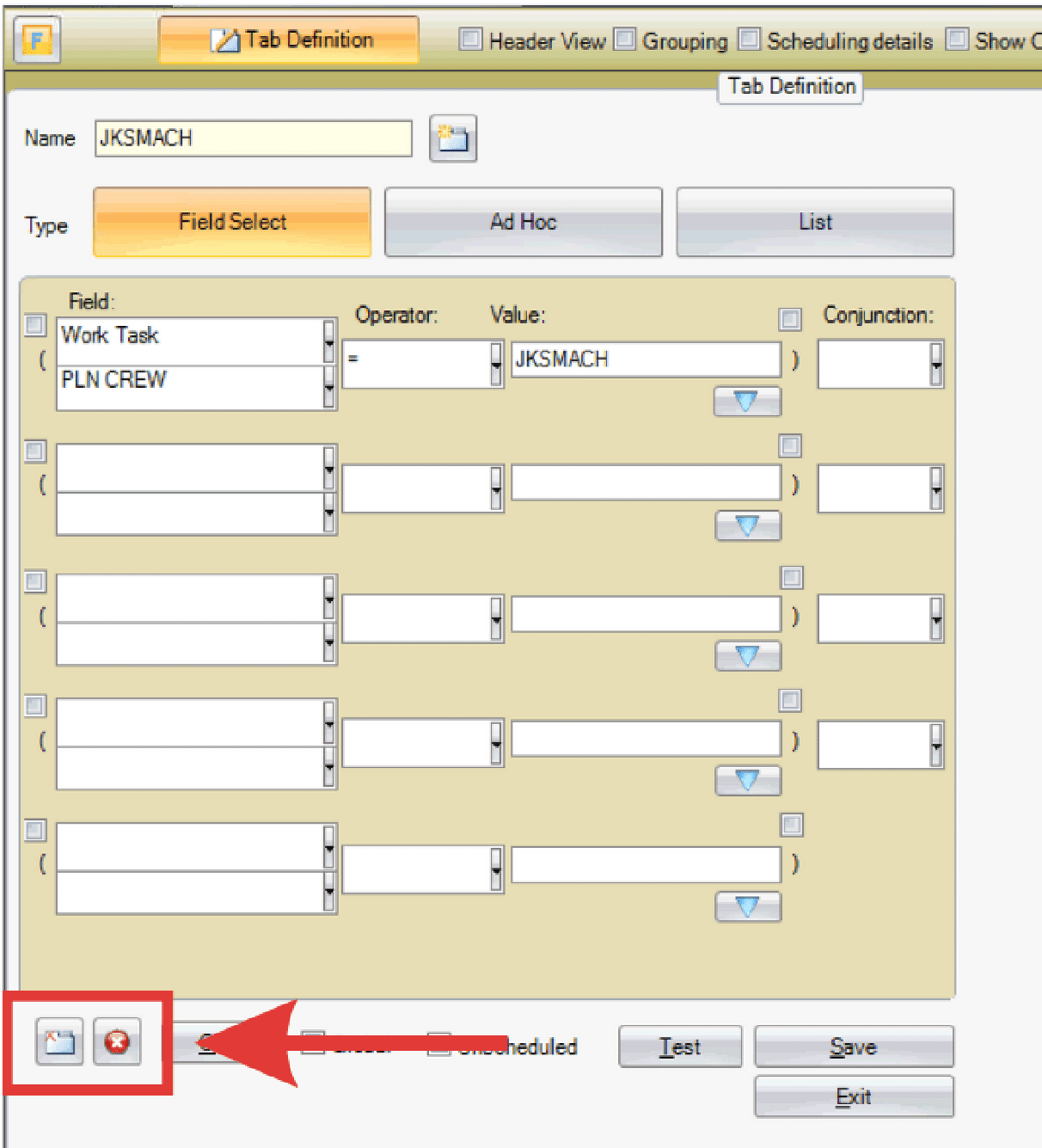
Modify a Task List Tab:
- Select the tab to be modified.

- Note: Reserved tabs (24 hours, one week, one month, backlog) cannot be modified.
- Click the Tab Definition button at the top left of the screen.
- Adjust the criteria as needed. For more information on task list tabs, click here.
- Click Test to validate if changes are successful.
- Save.

Delete a Task List Tab:
- Select the tab to be modified.
- Note: Reserved tabs (24 hours, one week, one month, backlog) cannot be modified.
- Click the Tab Definition button at the top left of the screen.
- Click the X icon to delete the tab definition or the folder icon to remove the tab from view.