Overview
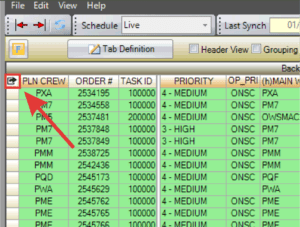
A new Go To Column indicator has been added to WWA/WWS grids, making it easier to quickly locate specific columns.
Go to a column:
- Select the arrow icon in the upper-left corner of the WWA or WWS.
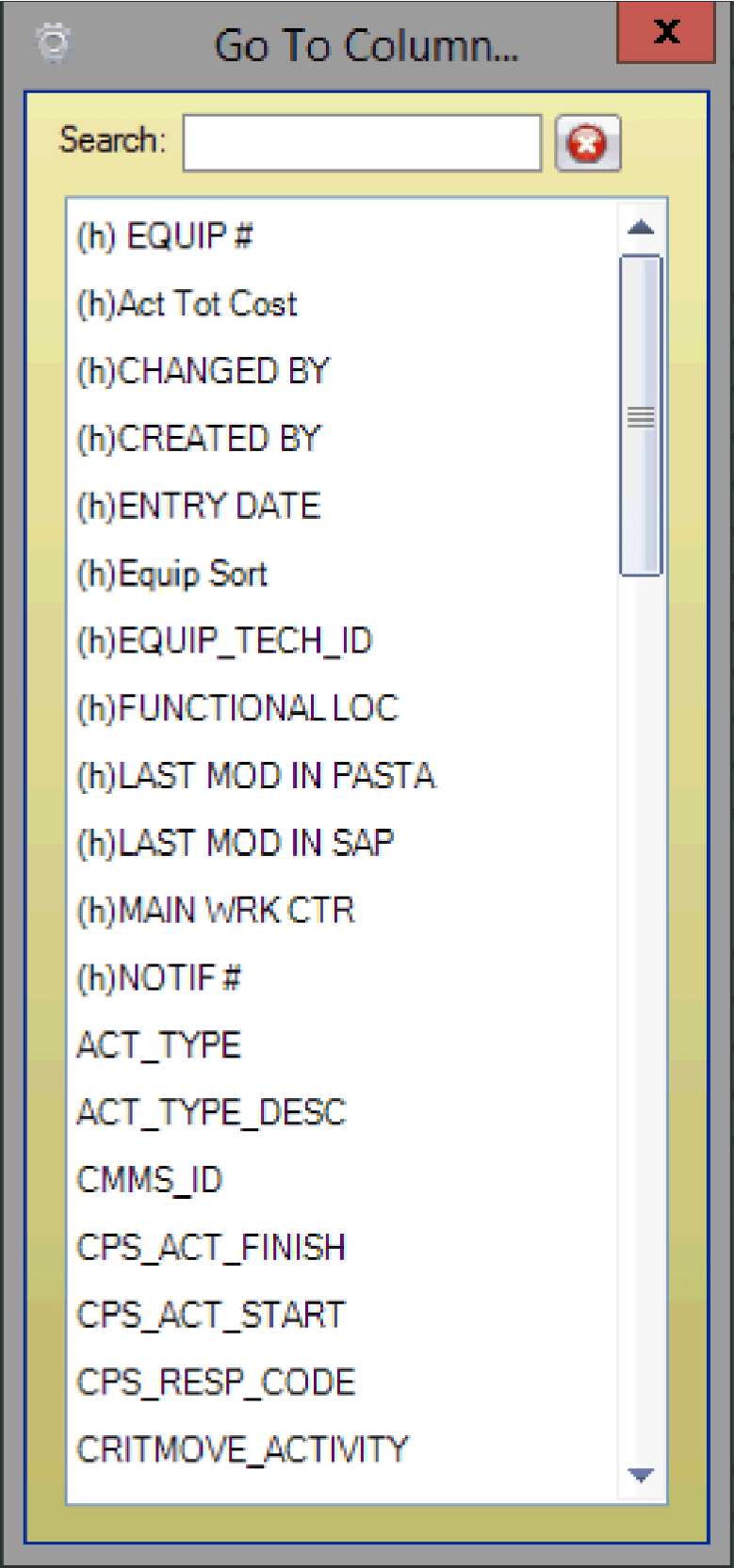
- The Go To Column window opens. Scroll to select a column or use the search field to locate it.