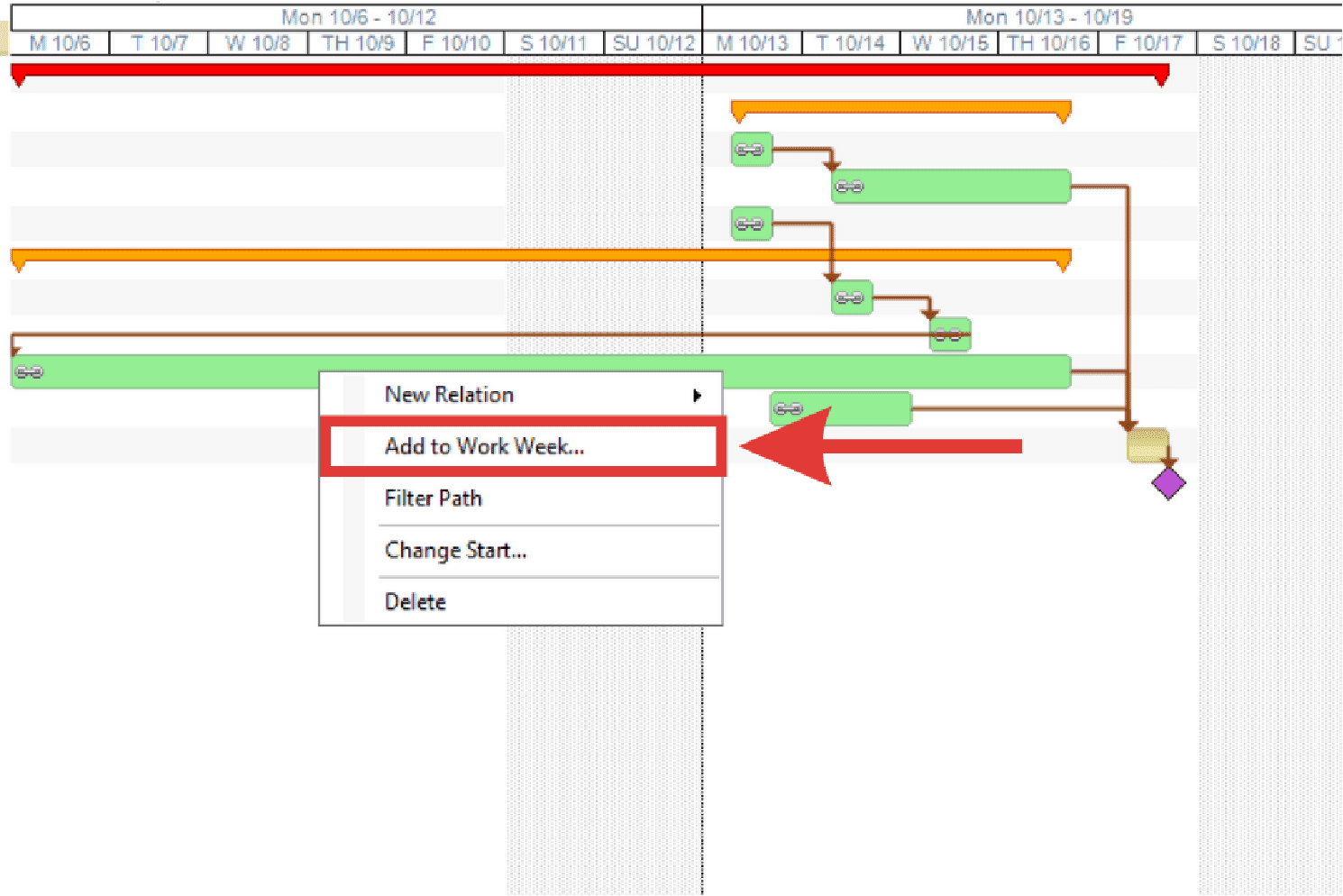
Time entries must be added to a work week before resources can be assigned.
- Right-click on the time entry.
- Select Add to Work Week from the right-click menu.
- The Work Week Criteria dialog box displays. Select the crew, work week, or T-week.
- Click OK to add the time entry to the work week.