Create a new project based on an existing one, with options to include schedule data or remove work week schedule links.
- Open the project to be copied.
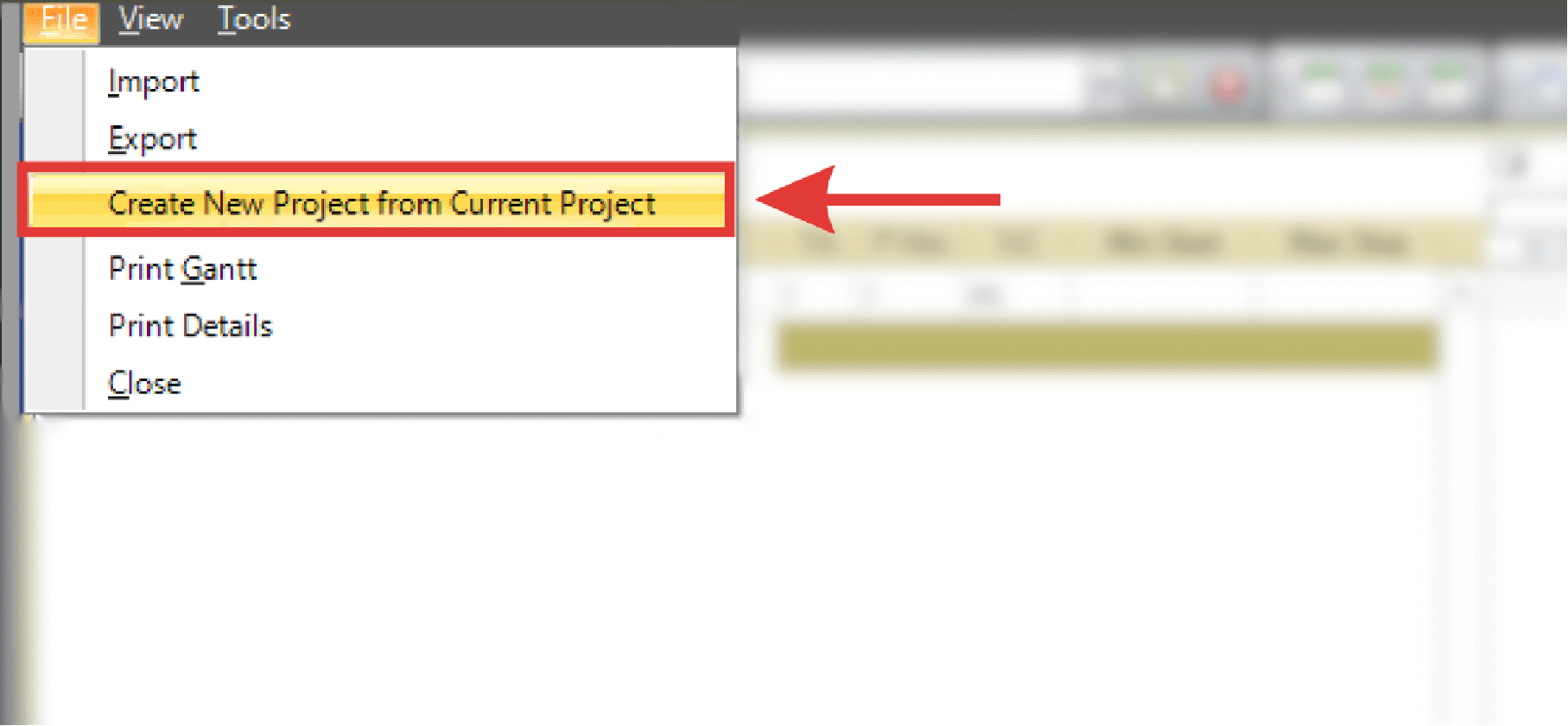
- Select Create New Project from Current Project from the File menu.
- The New Project dialog box displays. Enter the name of the new project.
- Click OK.
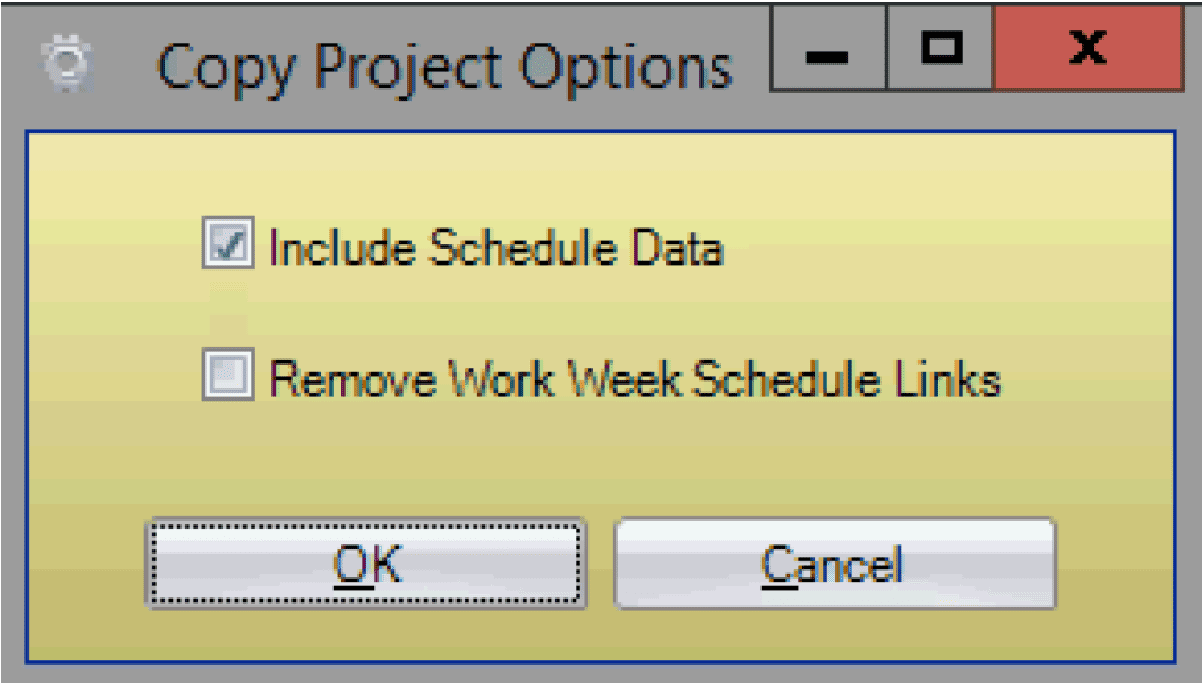
- The Copy Project Options dialog box displays. Use the checkboxes to toggle on/off Include Schedule Data and/or Remove Work Week Schedule Links.
- Click OK to create the new project copy.