
Sections can be shifted on the project timeline by adjusting the section span. This allows you to quickly change when a section starts without editing each individual task inside it.
- Click the section span bar.
- Hold the mouse button down and drag the section span to the new start time OR
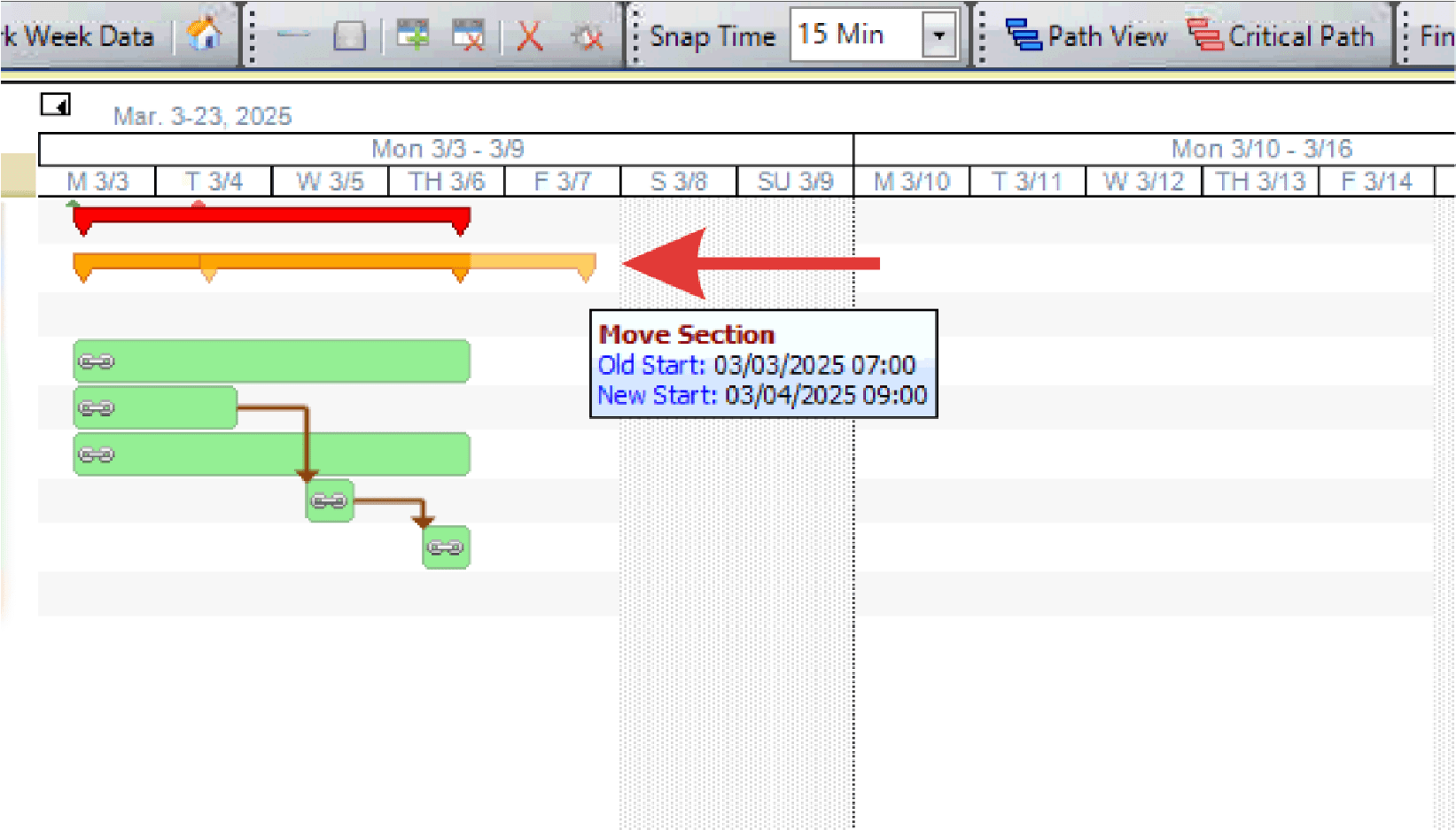
- Note: A popup window displays during the operation, indicating the exact start time and duration of the section span.
- Right-click the section span bar and select Change Start.
- Input the new start date and time and click OK.
