Milestones mark key events or deadlines within a project. They help track important dates and ensure visibility of critical checkpoints on the project timeline.
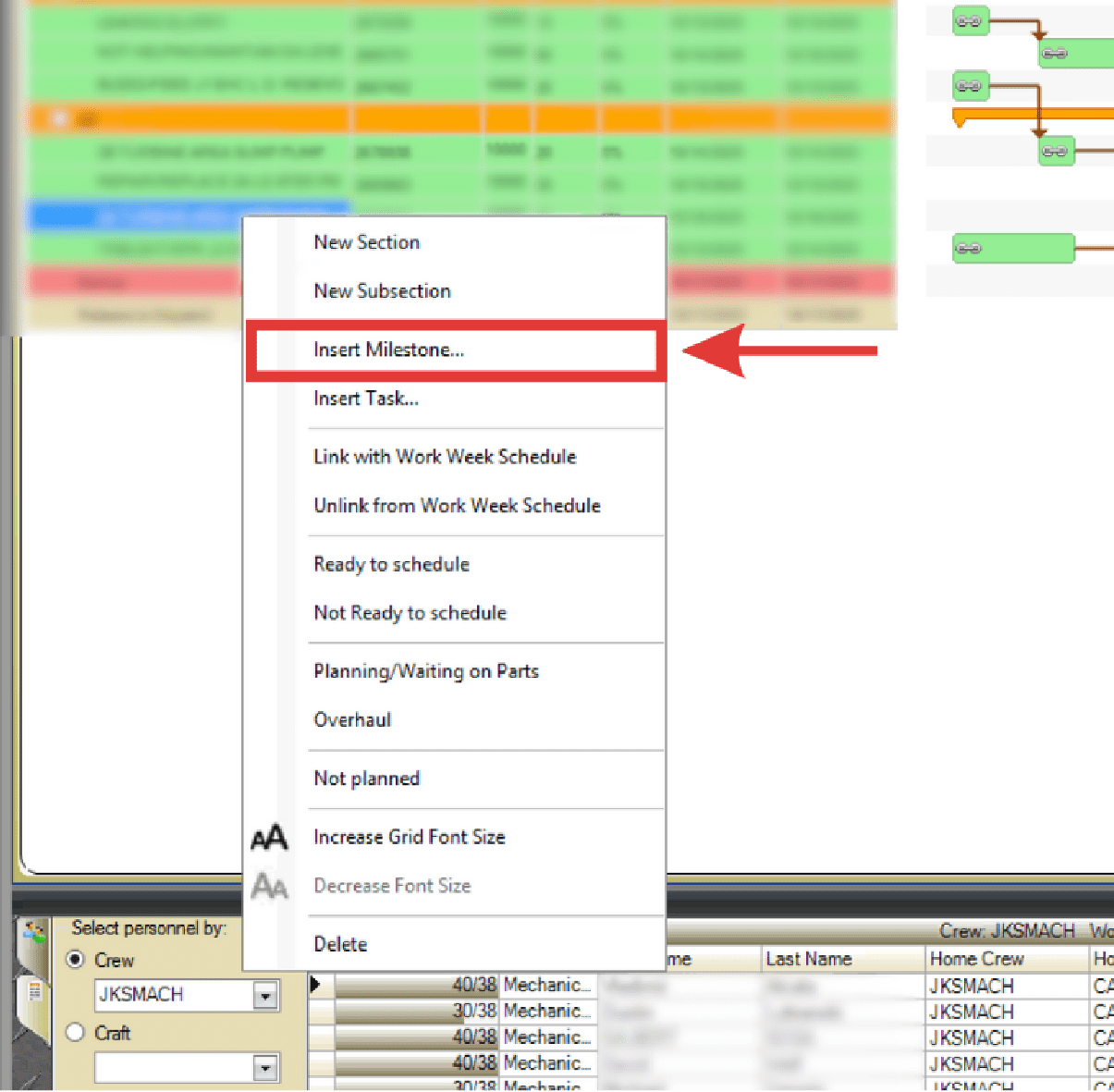
- Right-click the job below where you want to insert the milestone.
- Select Insert Milestone from the right-click menu.
- The New Milestone dialog box displays. Enter a name, select a date, and select a time. Click OK.
- Click and drag the milestone to adjust its position as needed.