Adding jobs to a project helps organize backlog work within a defined project structure. Jobs can be pulled directly from the backlog and placed into the appropriate project section.
- Click the Backlog tab in the lower-left corner.
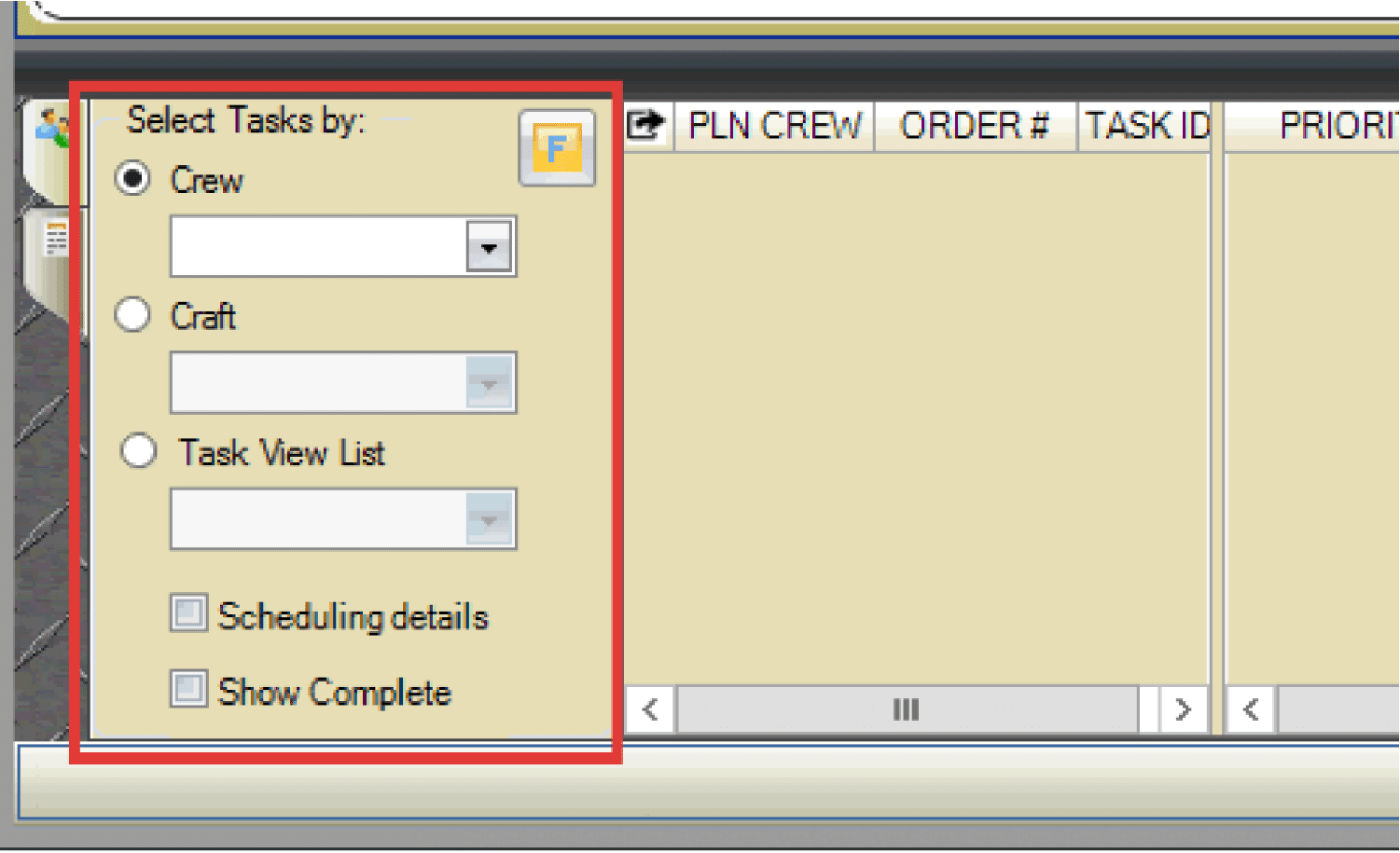
- Use the Select Tasks By radio buttons and drop-down menus to filter the backlog.
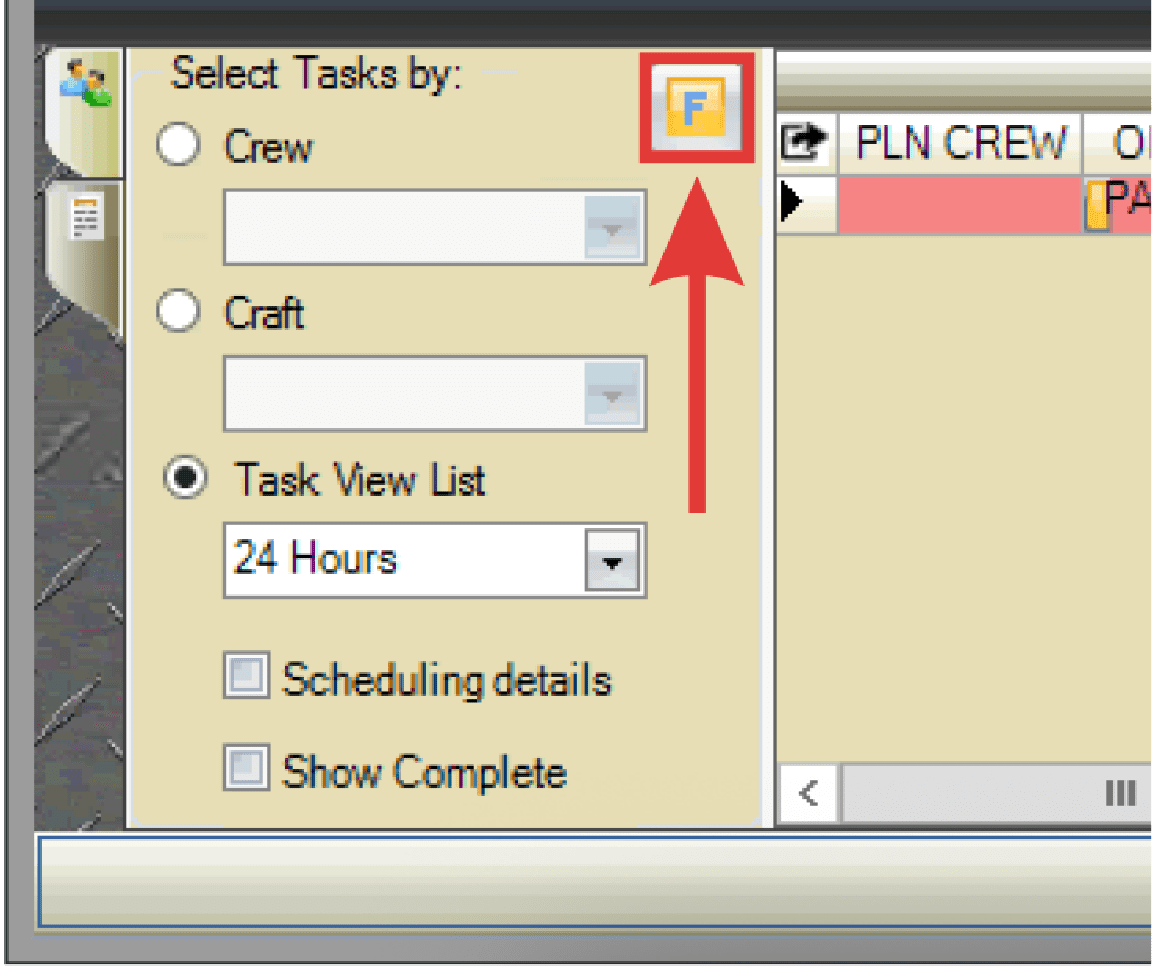
- If needed, select the Filter button to locate jobs to be scheduled.
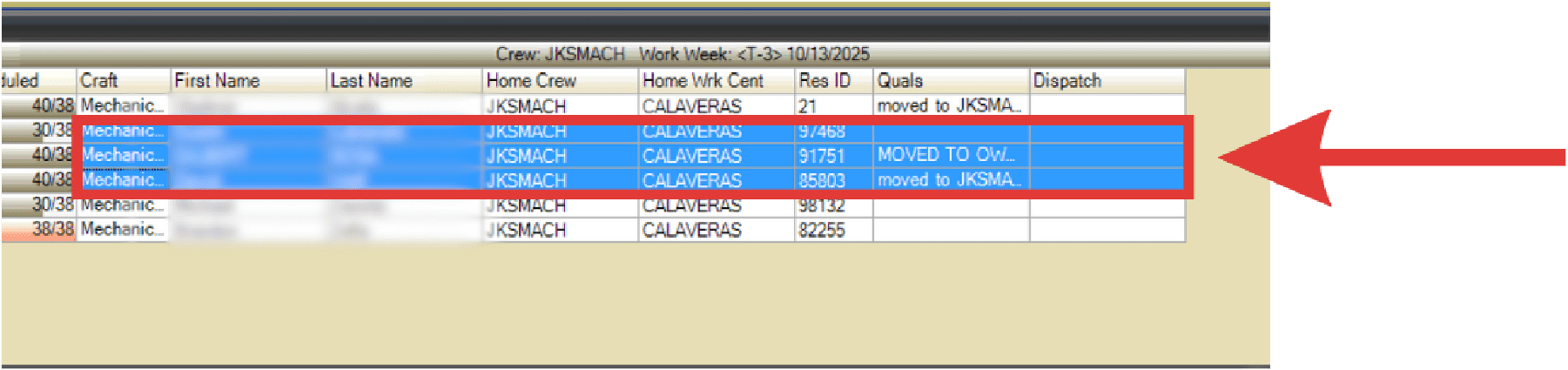
- Select the job(s) you want to add to the project.
- Drag and drop the jobs into the appropriate section of the project.