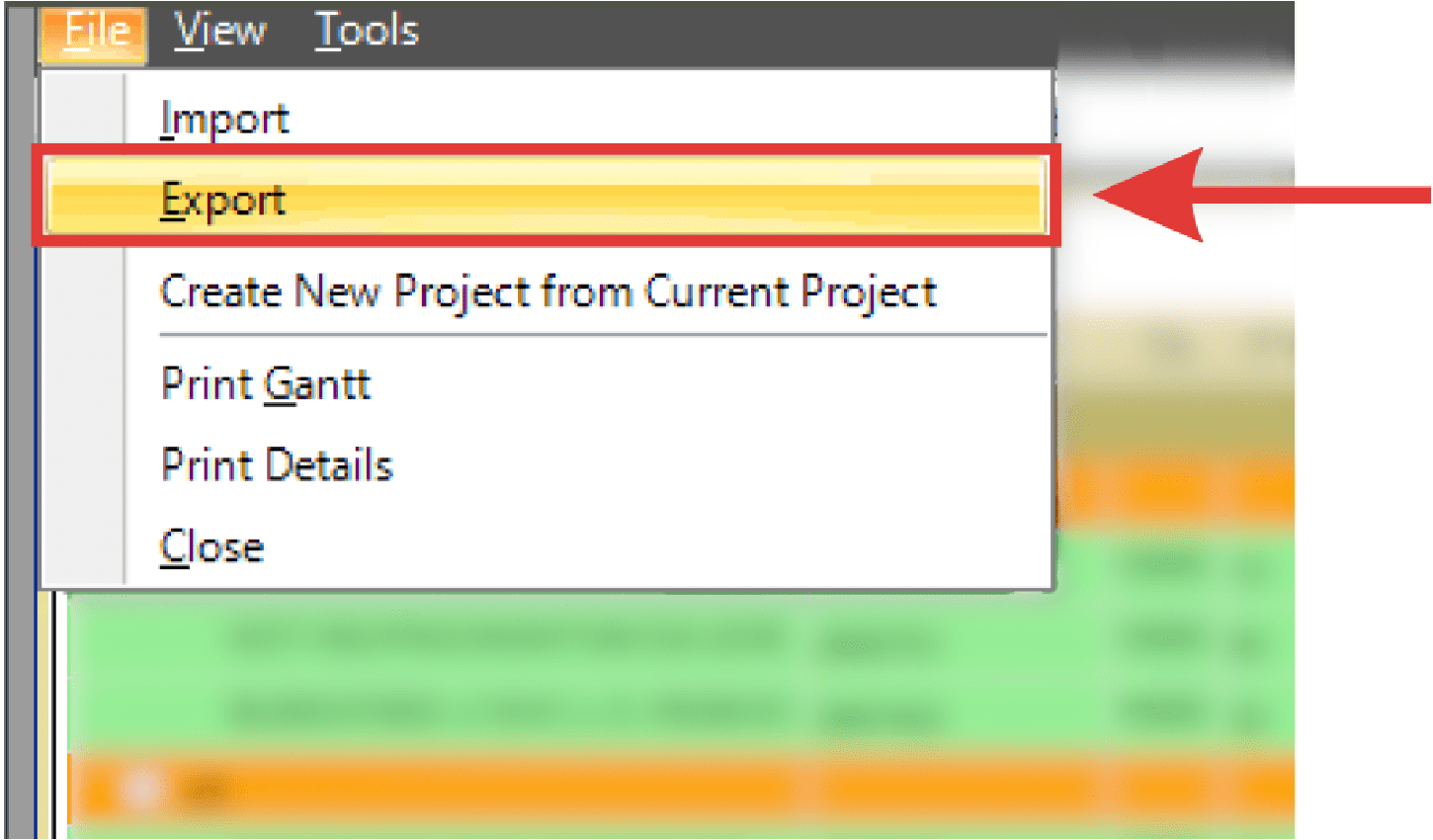
Projects created in PaSTA can be exported as .mpp files to Microsoft Project for further planning, sharing, or reporting.
- Select File > Export.
- The Save to MS Project .mpp dialog box displays. Navigate to the folder you wish to save the project file to. Enter the name of the MS Project file.
- Click Save.