Sections help organize projects by breaking them into smaller, structured parts. Subsections can be added for even more detail, making it easier to group jobs, tasks, and milestones within a project.
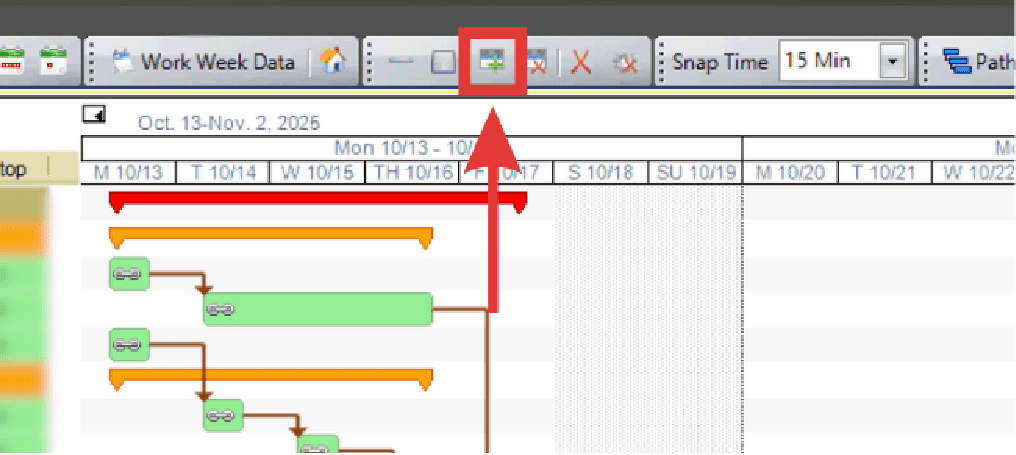
- Click the Add Section/Add Subsection button OR
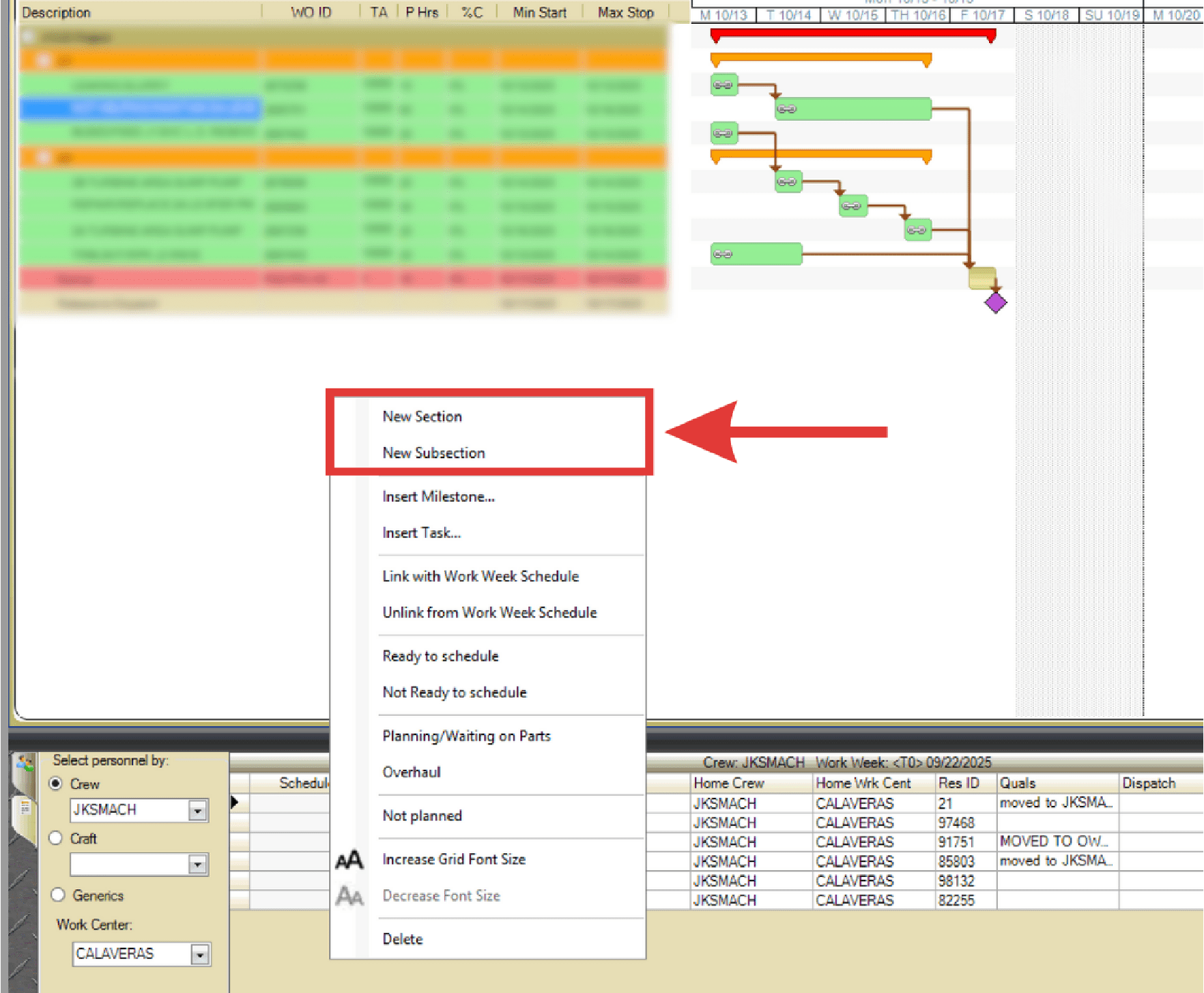
- Right-click a section on the project and select New Section/New Subsection from the right-click menu.
- Double click the section or subsection to rename it.
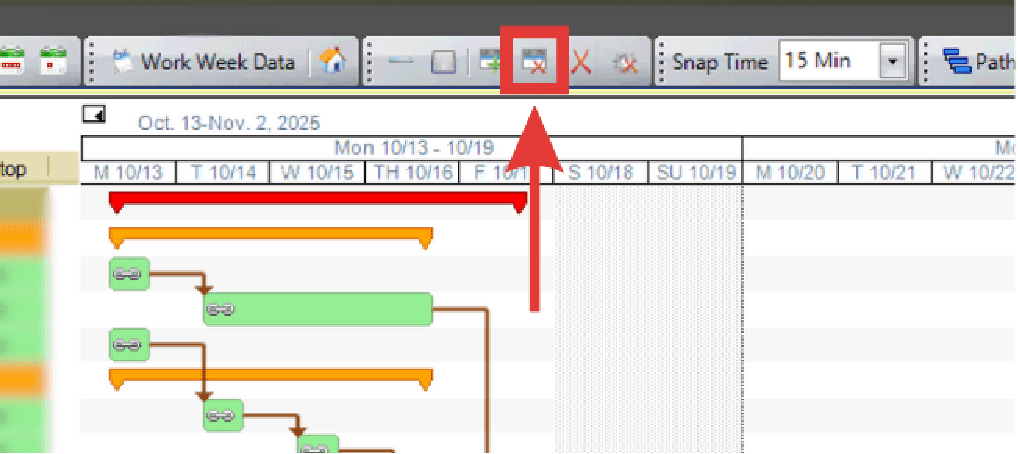
- To delete a section or subsection, click the Delete Section icon.